Who it’s for: You, on your own phone. What it watches: Nothing and no one — it reports only on the device it runs on.
Features
What NexGuard does
Security
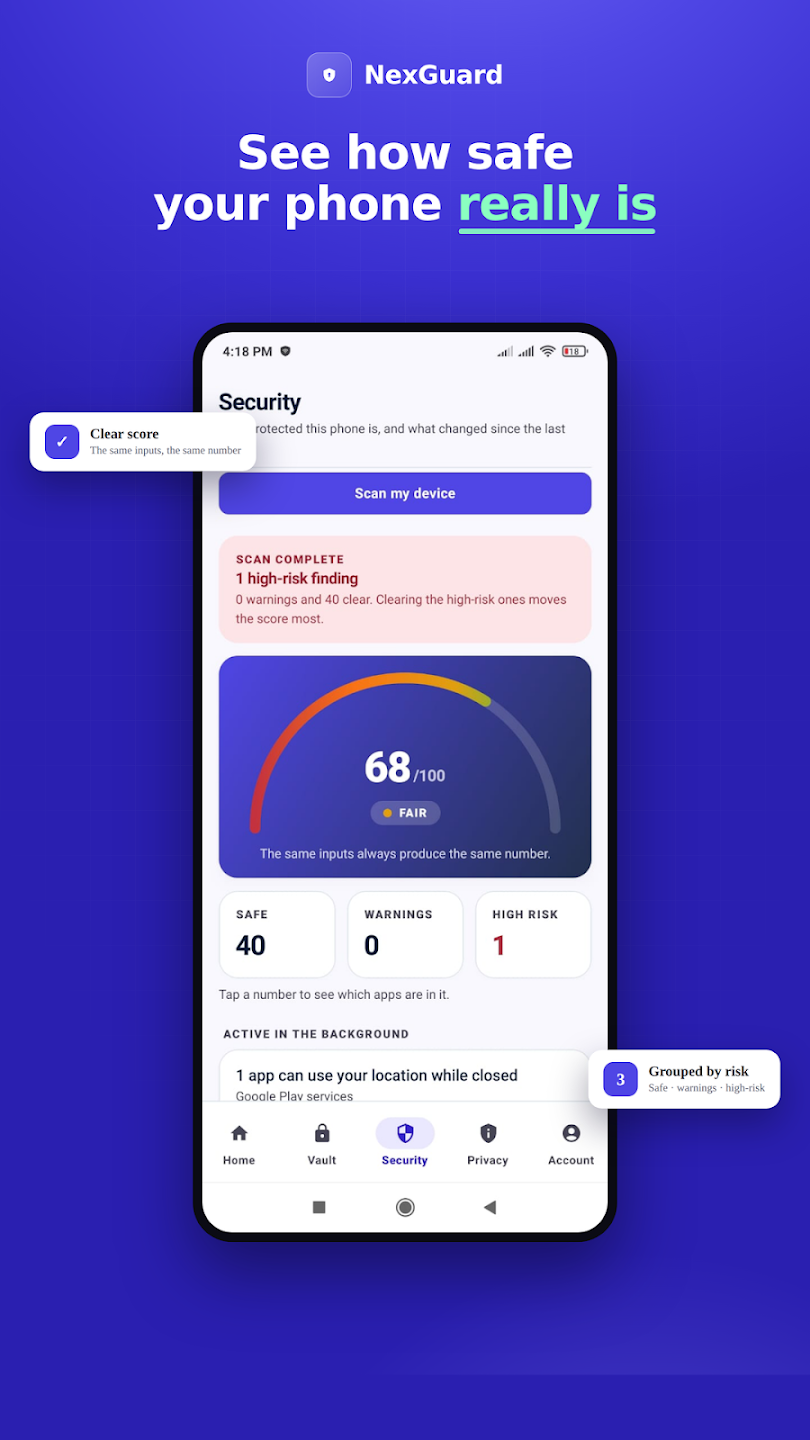
One deterministic number for your device, with ranked fixes.
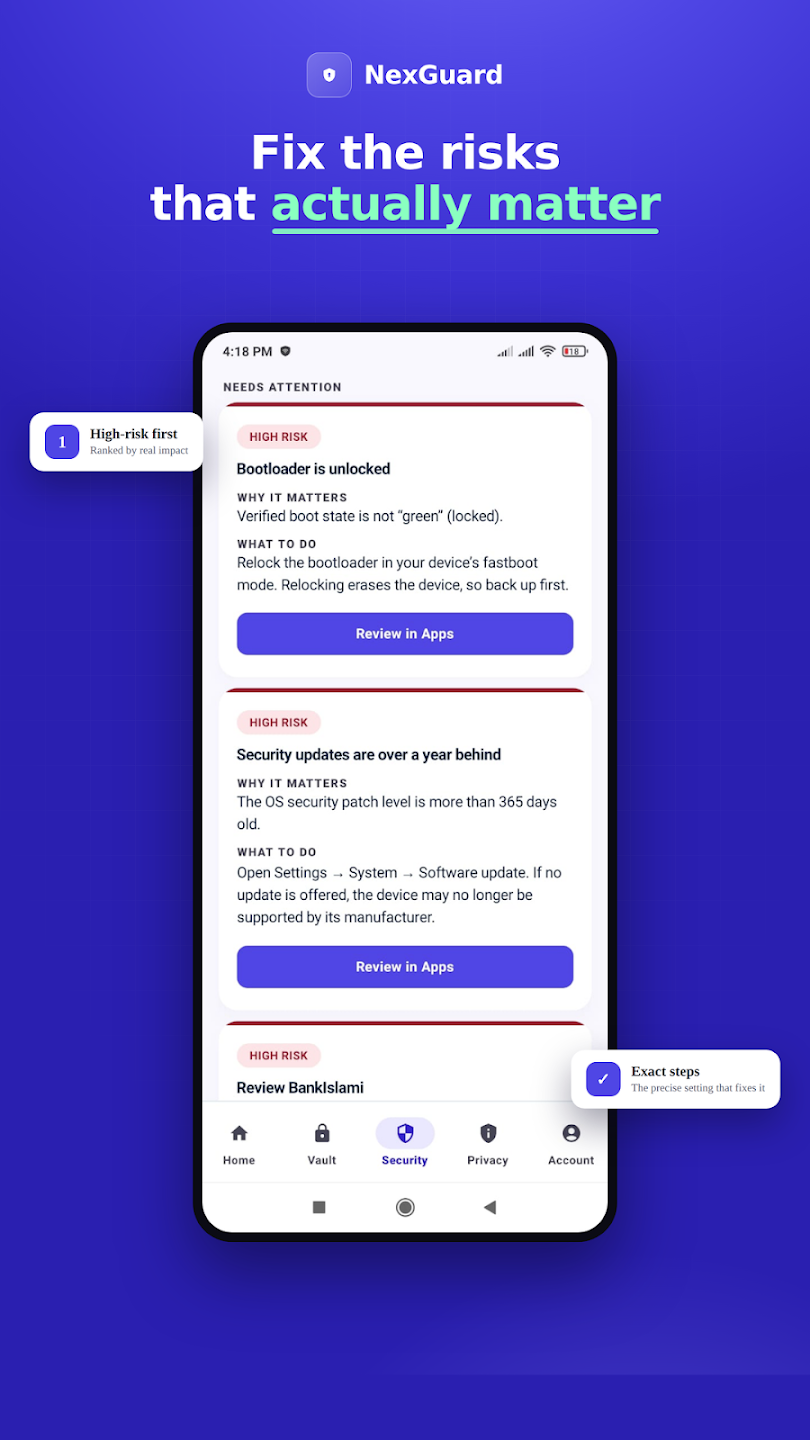
A guided checklist that opens the exact Android setting to fix.
A quick, readable check on the network you’re on.
Every app ranked by what it can actually reach.
Privacy
See what each app can reach — and shut it off in a tap.
Private data
Notes, photos and files encrypted with a key that never leaves your phone.
Logins encrypted on-device, filled behind a fingerprint.
Finds weak and reused logins — no password ever leaves the phone.
Account
Authenticator codes and one-time recovery keys for your account.
TOTP codes for your other services, generated on this phone.
See every signed-in device and sign out anywhere.
Lock NexGuard itself with your biometric or PIN.
Six steps, with “unknown” shown as unknown.
Guidance
Told once, clearly, about what actually changed.
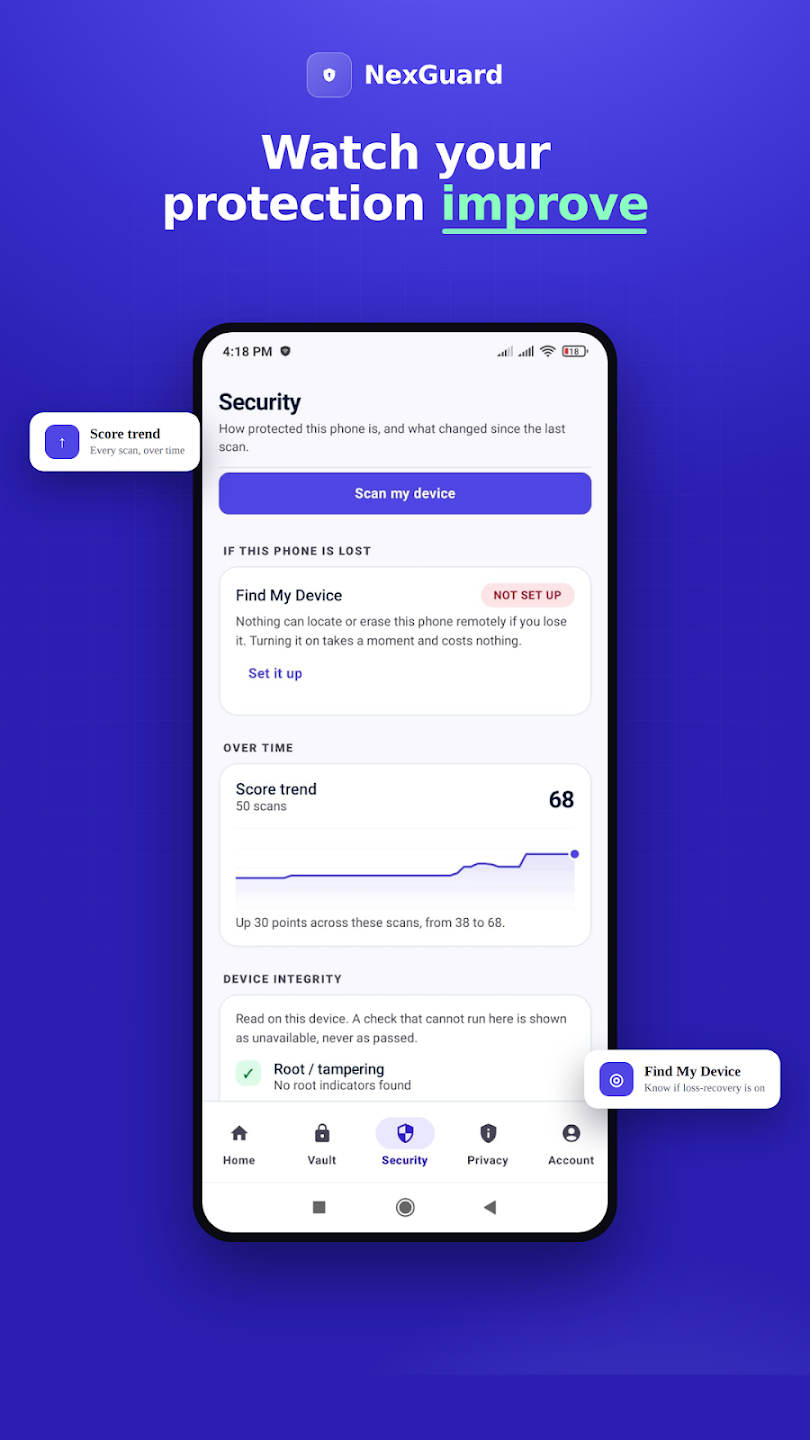
Where your score started, where it finished, computed on demand.
Digital wellbeing
Your usage, habits and limits — all on-device, free.
Focus sessions and a daily limit, enforced by Android.
Private habit-building — streaks kept on the phone.
Interface preview
A look at the interface
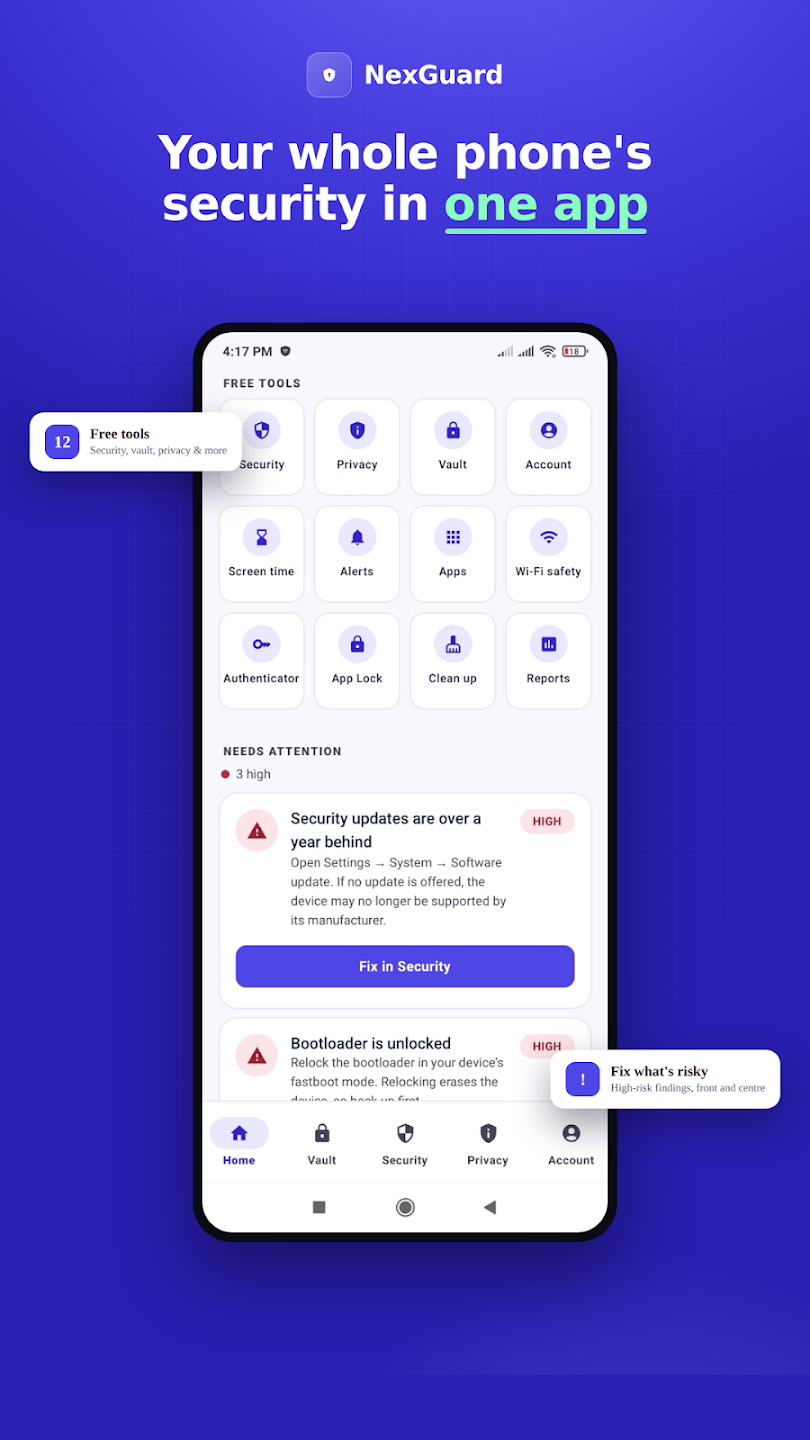
Real screens from the app — your score, the fixes that matter, and everything in your control.
How it works
Up and running in three steps
Scan your device
NexGuard reads the signals your phone already exposes — lock, encryption, updates, app permissions — with your permission and nothing hidden.
See your score & fixes
A deterministic engine turns those signals into one score and a short, ranked list of fixes. The AI explains each one in plain words.
Lock down what matters
Tighten permissions, move private files into the vault, turn on two-factor — then re-scan and watch the number climb.
Questions, answered
NexGuard — the basics
Is the free plan actually free?
Is this an antivirus?
Can you read what’s in my vault?
Does it watch me in the background?
Which devices does it run on?

NexGuard
Get started with NexGuard
Free to start — see your whole picture in minutes.